
Screenshots

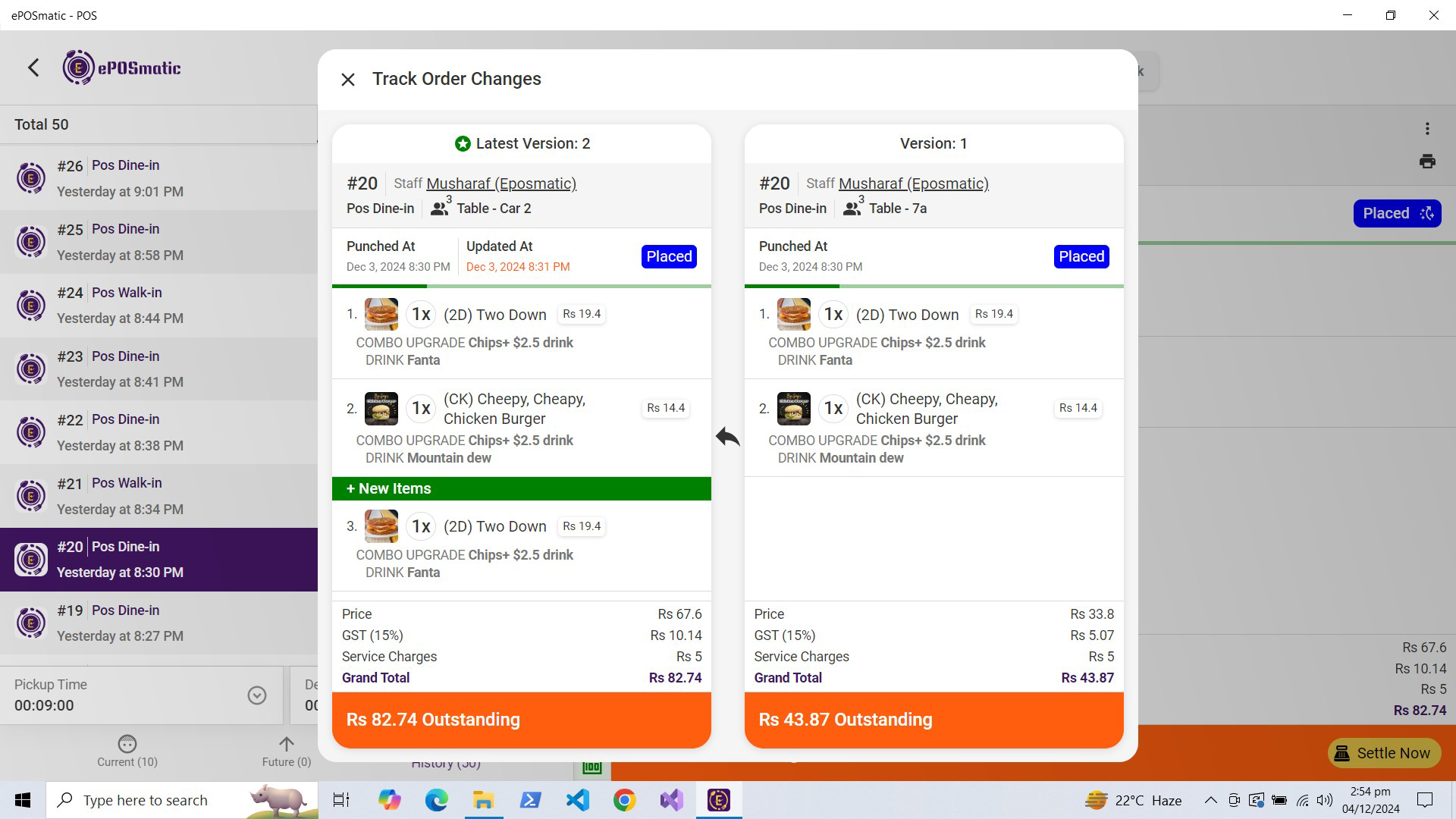
App details
- Updated
- 2024-11-27T20:33:04.7912682Z
- Requires
- Windows 10 version 18362.0 or higher
- Language
- English
- Developer
- eposmatic
- Category
- Mobile
SoftPas in:
This product is also available in the following languages:
About ePOSmatic - POS
Download ePOSmatic - POS – POS, restaurant management, cloud-based POS, commission-free ordering, real-time analytics, online ordering, restaurant POS, business insights, order management, restaurant operations, POS system, restaurant tool, restaurant software, restaurant utility, POS app
Overview
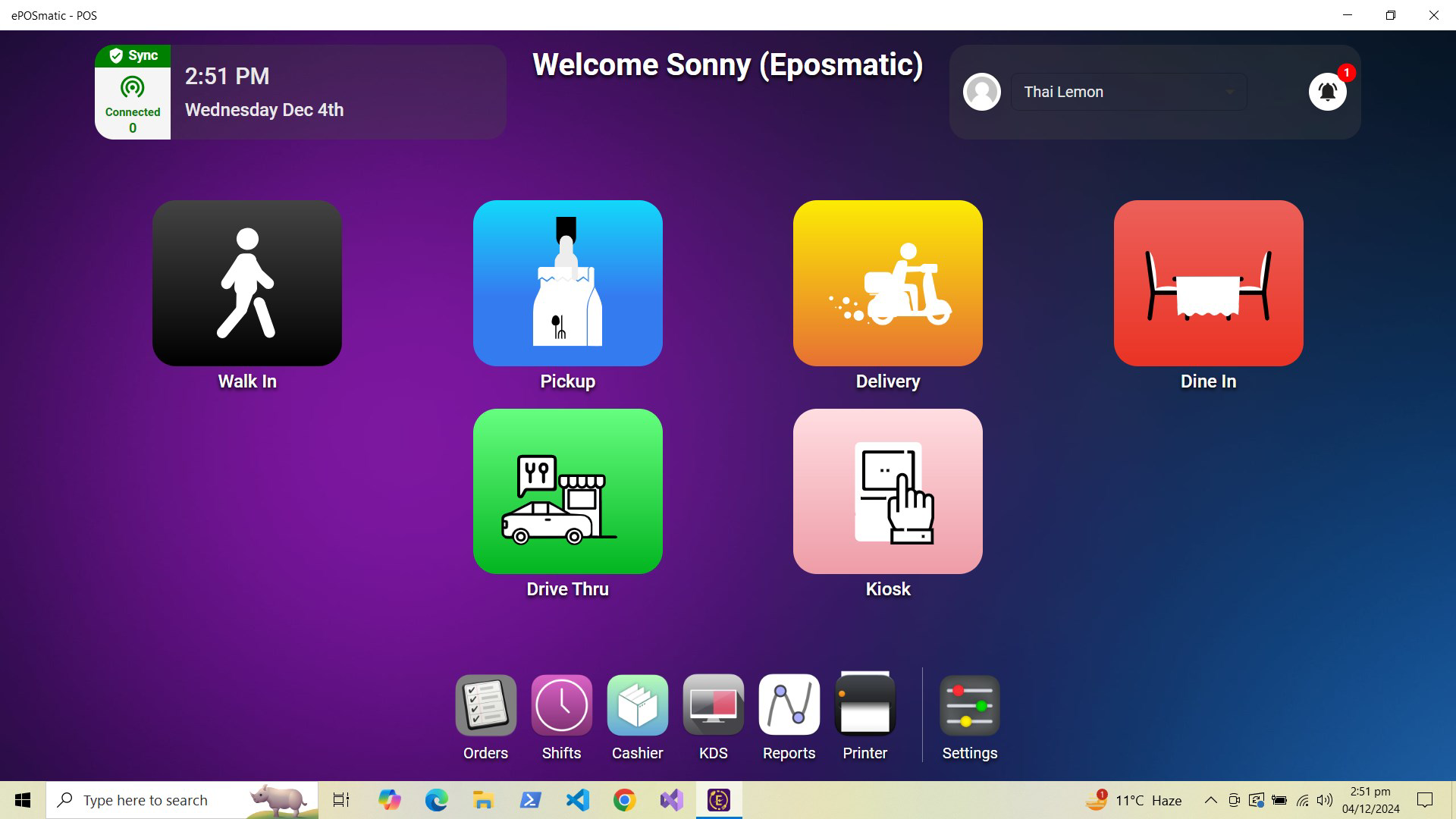
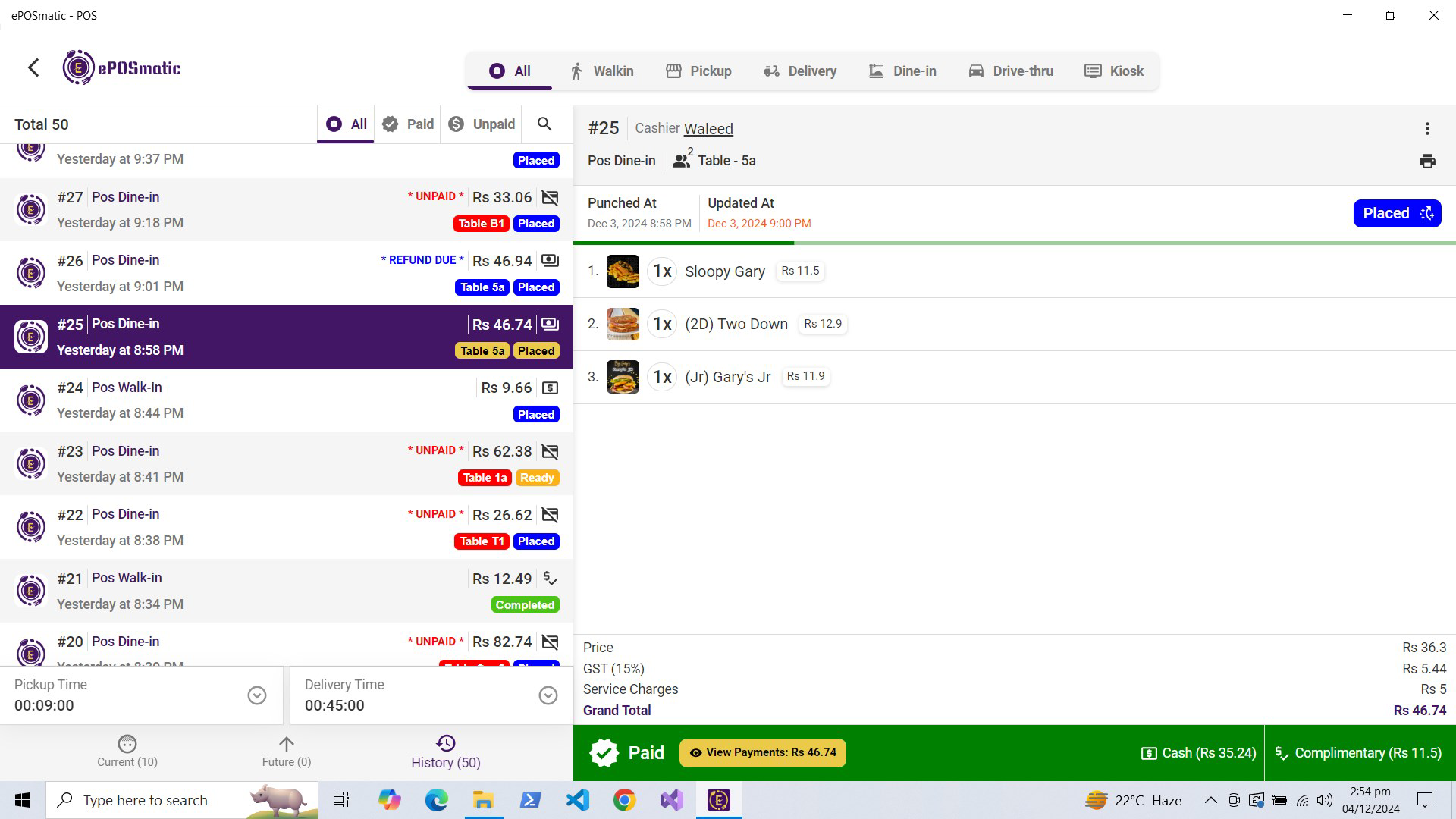
ePOSmatic - POS is a cloud-based mobile application designed to simplify and optimize restaurant operations. Built for modern food service businesses, the app serves as a comprehensive point-of-sale (POS) system that supports both in-house and online order processing. Its primary purpose is to empower restaurant owners and managers with tools that enhance operational efficiency, reduce dependency on third-party delivery platforms, and improve overall profitability.
The app is tailored for small to mid-sized restaurant operators who seek a streamlined, commission-free solution for managing daily transactions and gaining actionable insights. By eliminating third-party commissions, ePOSmatic enables businesses to retain full control over their revenue streams while maintaining a seamless customer experience. The real-time analytics feature supports data-driven decision-making, allowing users to monitor sales trends, inventory levels, and staff performance directly from their mobile devices.
Real-world use cases include managing table service in dine-in restaurants, processing takeout orders, and integrating online sales through custom websites or mobile apps. The app’s cloud architecture ensures that data is accessible across multiple devices, enabling remote oversight and team collaboration. As part of the growing ecosystem of restaurant technology tools, ePOSmatic fills a critical gap by combining affordability, functionality, and scalability in a single mobile solution.
Key Features & Functionality
- User-Friendly Interface: Designed with intuitive navigation, the app allows staff and managers to quickly adapt without extensive training. The clean layout and logical workflow reduce errors and improve order accuracy during peak hours.
- Commission-Free Ordering: Restaurants can accept online orders directly through their own digital channels, keeping 100% of the revenue. This feature is particularly beneficial for businesses that want to avoid recurring fees from third-party platforms.
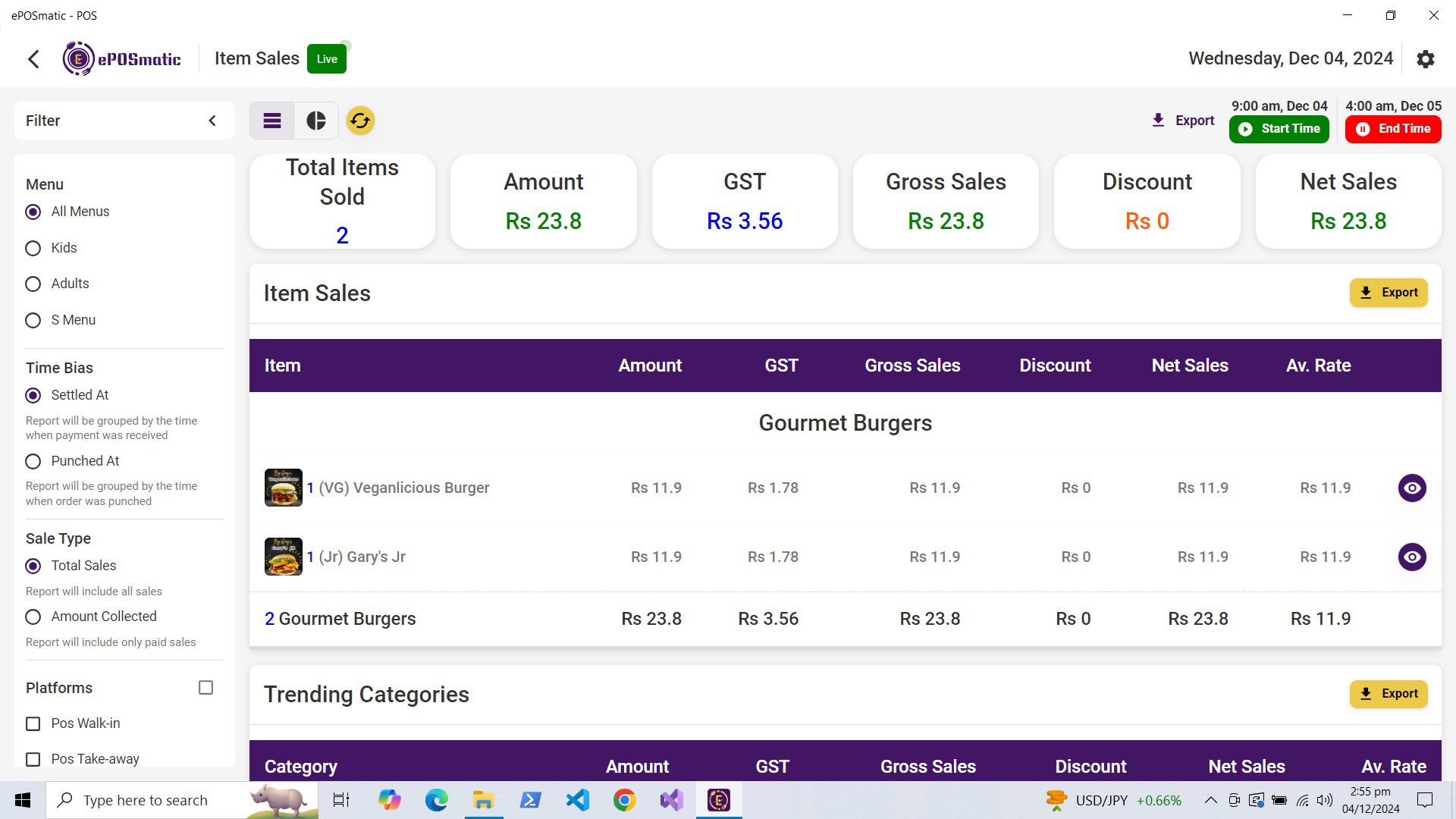
- Real-Time Analytics: Users gain immediate access to performance metrics such as daily sales, top-selling items, and customer traffic patterns. These insights help identify opportunities for menu optimization and staffing adjustments.
- Seamless Integrations: The app integrates with major delivery platforms like Uber Eats and DoorDash, centralizing all incoming orders in one dashboard. This reduces the need to switch between multiple apps and minimizes order delays.
- 24/7 Support: A dedicated support team is available around the clock to assist with setup, troubleshooting, and operational questions. This ensures minimal downtime and consistent service continuity.
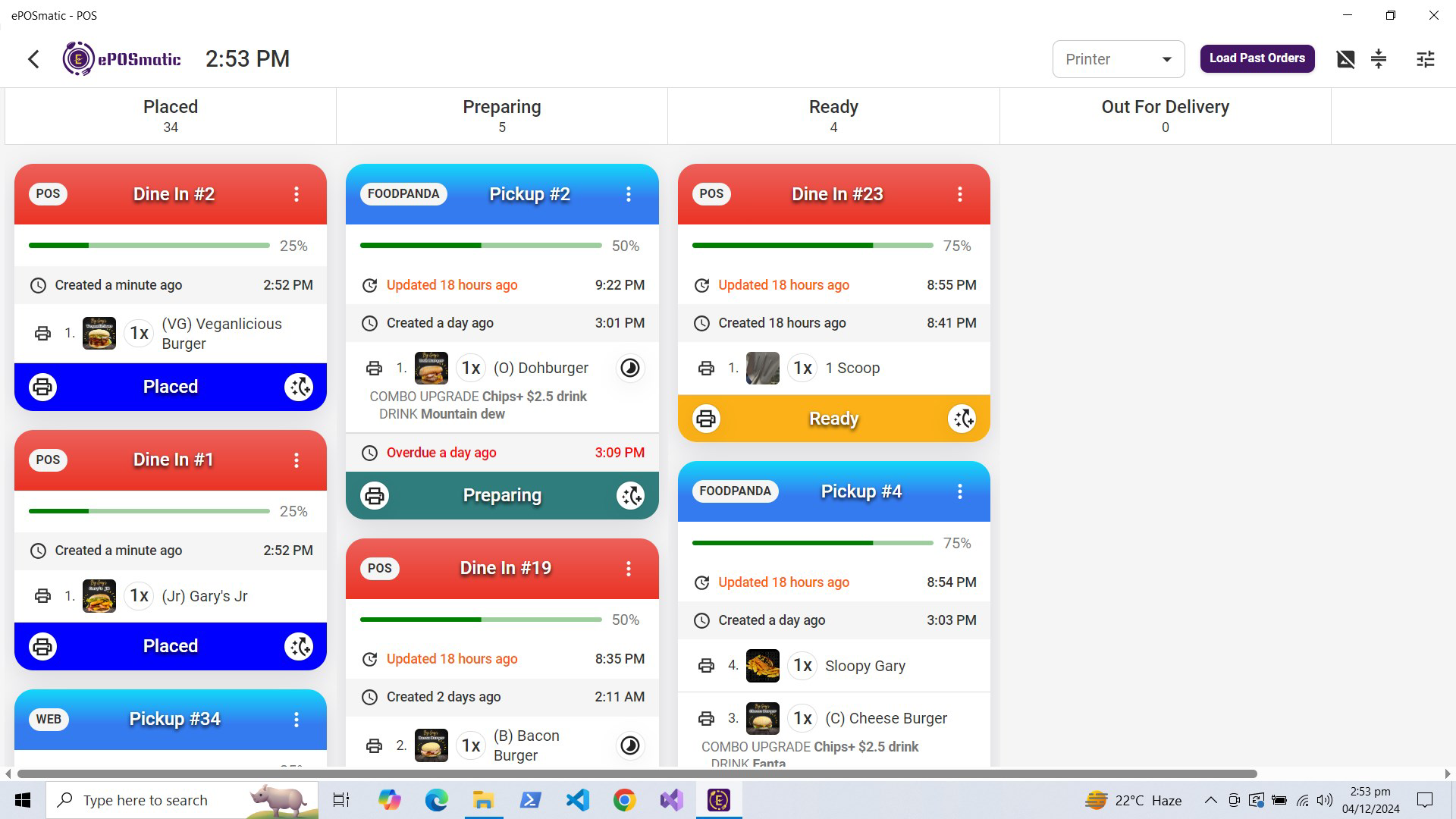
For example, a café owner can use the real-time analytics to identify a spike in morning coffee sales and adjust inventory accordingly. Similarly, a restaurant manager can use the centralized order dashboard to assign kitchen tasks efficiently during lunch rushes, improving turnaround time and customer satisfaction.
Interface, UX & Performance
The interface of ePOSmatic - POS is designed with clarity and efficiency in mind. The layout prioritizes key functions such as order entry, payment processing, and report access, minimizing the number of taps required to complete common tasks. Visual cues, consistent iconography, and a responsive design contribute to a smooth user experience across various screen sizes.
Navigating between modules—such as sales, reports, and settings—is intuitive, with a bottom navigation bar that provides quick access to core features. The app maintains consistent performance during high-volume periods, with minimal lag when processing transactions or updating reports. Although the developer did not list formal performance metrics, the app demonstrates stability and responsiveness under typical usage conditions.
Users report that the interface remains functional even on older Android devices, suggesting effective optimization for diverse hardware. The app’s cloud-based nature ensures that updates are pushed automatically, maintaining compatibility with evolving system requirements. Overall, the UX is well-suited for fast-paced environments where speed and accuracy are critical.
Platform Compatibility & Technical Requirements
ePOSmatic - POS is available exclusively on the Android platform. The current version is 1.2.0, with a file size of 35.6 MB, making it a lightweight application suitable for a wide range of devices. The app is currently free to download and install, offering full access to its core features without subscription fees.
The developer did not specify minimum OS requirements or compatibility details beyond the platform. As such, users are advised to ensure their device meets standard Android system standards for app installation. Compatibility with specific device models or older versions of Android was not disclosed. However, the app’s relatively small size suggests it is optimized for devices with moderate storage and processing power.
Pros and Cons
Pros
- Commission-free online ordering helps maximize profit margins.
- Cloud-based system enables access from multiple devices.
- Real-time analytics provide actionable business insights.
- Seamless integration with major delivery platforms.
- 24/7 support ensures continuous operational assistance.
- Free to download and use with no hidden costs.
Cons
- Platform availability is limited to Android only.
- Specific technical requirements were not listed.
- Compatibility with older Android versions is not confirmed.
- No information provided about offline functionality.
- Developer did not share details about data encryption or privacy protocols.
FAQ
Is ePOSmatic - POS available for iOS?
As of now, the app is only available on the Android platform. There is no official release for iOS devices.
Can I use ePOSmatic - POS without an internet connection?
The app is cloud-based, which means it requires a stable internet connection for full functionality. Offline capabilities were not specified by the developer.
How often is the app updated?
Updates are released periodically to improve performance and add new features. The latest version is 1.2.0, with automatic updates available through the app store.
Is my data secure with ePOSmatic - POS?
The developer did not provide detailed information about data encryption or privacy policies. Users should exercise caution when entering sensitive business information.
Can I manage multiple restaurant locations with one account?
Information about multi-location management was not disclosed in the available documentation. The app’s capabilities in this area remain unclear.
Final Thoughts + CTA
ePOSmatic - POS stands out as a practical, cost-effective solution for restaurant operators seeking to regain control over their online sales and operational workflows. Its commission-free model, combined with real-time analytics and seamless integrations, offers tangible benefits for businesses aiming to grow sustainably. The intuitive interface and 24/7 support further enhance its appeal, making it accessible even to users with limited tech experience.
While the app is currently limited to Android devices and lacks detailed technical disclosures, its core features align with the needs of modern food service businesses. For restaurant owners looking to reduce reliance on third-party platforms and gain deeper insights into their operations, ePOSmatic - POS delivers strong value.
Download ePOSmatic - POS now
Guides & Tutorials
How to install ePOSmatic - POS
- Click the Download button above.
- Once redirected, accept the terms and click Install.
- Wait for the ePOSmatic - POS download to finish on your device.
How to use ePOSmatic - POS
This software is primarily used for its core features described above. Open the app after installation to explore its capabilities.
User Reviews
No reviews yet. Be the first to share your experience.
You may also like
more
Que no te pillen¡
About !Que no te pillen¡Reviewed by Jason A. BilbreyShow MoreShow Less

3D Combat Zone
About 3D Combat ZoneOriginally released in 1983, 3D Combat Zone immerses players...

666: El día del portal
About 666: El día del portalOn June 6, 2006, Agent P. Stone uncovers a sinister...

80 in 1 Best Flash games
About 80 in 1 Best Flash games 80 in 1 Best Flash games is a collection of 80 fl...

ABYSS SEEKERーーWhat Do You See Deep in The Abyss
About ABYSS SEEKERーーWhat Do You See Deep in The AbyssIn ABYSS SEEKER, players...

ACA NEOGEO THE KING OF FIGHTERS 2002 for Windows
About ACA NEOGEO THE KING OF FIGHTERS 2002 for WindowsTHE KING OF FIGHTERS 2002,...